

Your work deserves to be seen.
Turn your projects, coding activity and public work into a developer profile people can discover. Here is how Dev Rank works, and where to start.
Free to start. Connect the profiles you already use.
Your global developer standing, built from the work you publish and the coding profiles you connect.
Explore the leaderboardYour guide to a stronger Dev Rank.
Start with the basics, or jump to the question on your mind.
 New here? Start here
What Is VickyBytes Dev Rank? Showcase Your Dev Journey
Your resume lists your skills. Your GitHub, LeetCode and Kaggle profiles hold the evidence behind them. Almost nobody has time to check all three. VickyBytes De
Read the guide
Get Discovered by Recruiters With VickyBytes Dev Rank
Your resume lists your skills, and a recruiter has to take your word for them. VickyBytes Dev Rank gives you another way to get discovered by recruiters: by sho
Read the guide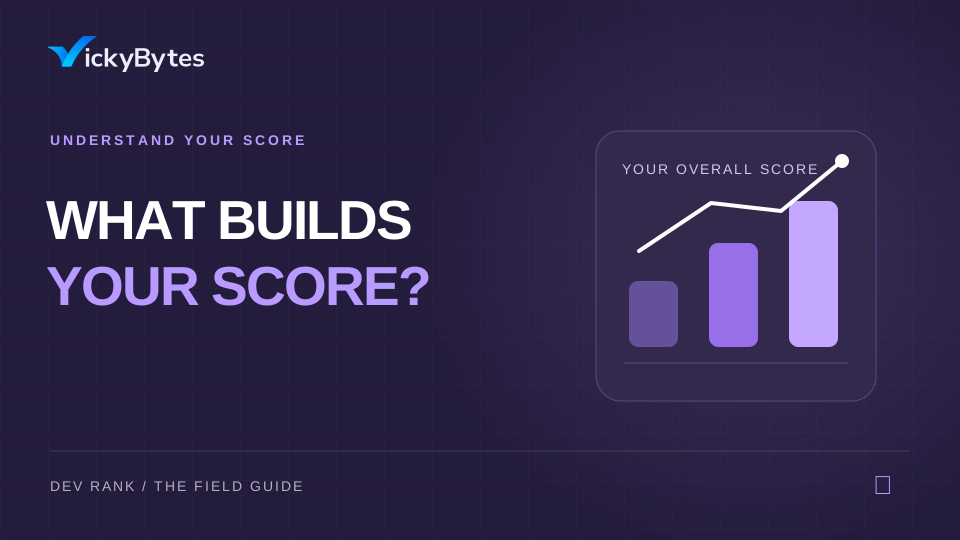
VickyBytes Overall Score: What Contributes to Your Dev Rank
Every developer on the Dev Rank leaderboard has one number behind their position: the VickyBytes Overall Score. It’s the score that decides where you rank, and
Read the guide
VickyBytes Profile Setup: Connect GitHub, LeetCode, Kaggle
Your profile is where your Dev Rank begins. This guide to VickyBytes profile setup shows you how to add your details, connect your developer accounts and check
Read the guide
Build in Public Score: What It Is and How It Works
Building in public means sharing your work while you create it: the projects, the lessons and the progress. The Build in Public Score (BiP Score) also turns tha
Read the guide
Dev Rank Leaderboard: How to Read, Search and Use It
The Dev Rank leaderboard is where every developer’s rank becomes visible. It’s public, you can search it, and you can sort it. Best of all, you can open any dev
Read the guide
One question. About a minute.
Short, focused videos for when you want the quick version.
What Dev Rank is and why it matters.
The moves that lift your Dev Rank.
The audience score and how it counts.
Finish your profile and connect your accounts.
A routine that keeps your scores climbing.
How the global leaderboard works.
Real work moves your rank.
Focus your effort on the things that actually contribute.
- 01Highest
Publish on VickyBytes
Articles, videos, bytes and projects are the biggest part of your rank. Real public work beats everything else.
- 02High
Connect GitHub, LeetCode, Kaggle
Each connected account adds its activity to your rank. Start with one, add the rest over time.
- 03Medium
Bring developers in
When developers you invite join and become active, it counts toward your rank.
- 04Protects your score
Stay genuine
Verified, original activity is trusted more. Copied or inflated work is discounted.
Your next move starts here.
You do not have to do it all today. Pick a step and make progress.
Your Dev Rank checklist
Saved on this deviceFinish your profile
Add your name, photo and links so people (and the ranking) know who you are.
Connect your coding profiles
Link GitHub, LeetCode and Kaggle, then sync. Syncing refreshes once a day.
Ship content on a schedule
Pick a cadence you can keep, such as one article and one byte a week. Consistency compounds.
Keep your streak alive
Small daily actions on VickyBytes beat one big push a month.
Check the leaderboard
Ranks recalculate once a day, so give changes 24 to 48 hours to show up.
What is a good way to start improving my Dev Rank?
Connect your GitHub, LeetCode and Kaggle accounts, then publish one piece of content a week. That covers both halves of the score.
How often does Dev Rank update?
The leaderboard recalculates once a day, and your own stats refresh when you sync, also once a day.
Do I need all three coding profiles?
No. Connecting is optional and you can start with one. Each extra account adds more to your rank.
Does Dev Rank cost anything?
Building and tracking your Dev Rank is free. Some score details are part of Root Access.
Make your next project
part of your story.
Connect your profiles. Share what you build. Let your work speak.